Rithmic account requirements
Which Rithmic accounts connect to Tape Delta — RTrader Pro login, a paid CME data subscription, broker or prop firm permission — and how to test yours first.
This page lists which Rithmic accounts can connect to Tape Delta and how to check yours before you connect.
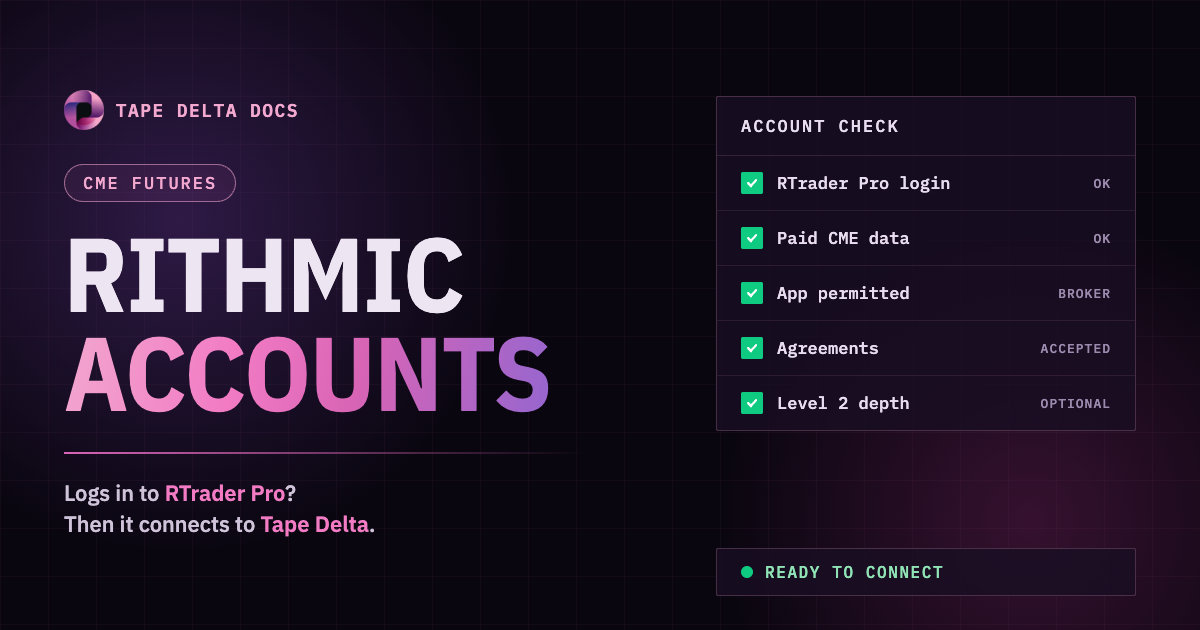
Requirements
| Requirement | Detail |
|---|---|
| A Rithmic user name and password | Issued by your broker or prop firm. Tape Delta does not create Rithmic accounts. |
| A paid CME market data subscription | Rithmic does not serve data to free demo trials through this connection. A demo-trial login is refused, even with the right password. |
| Permission for the Tape Delta app | Brokers and prop firms decide which apps their traders may use. If Tape Delta is not allowed on your user, the login is refused. |
| Exchange agreements accepted | Rithmic asks you to accept market data agreements on first login. Accept them once in RTrader Pro. |
| Level 2 for full depth (optional) | Level 1 gives the inside market. Level 2 on an exchange gives the full book and MBO for that exchange. |
Test your account in RTrader Pro
- Install RTrader Pro from your broker or from rithmic.com.
- Log in with your Rithmic user name and password.
- Pick the System you will pick in Tape Delta, for example your prop firm's name or
Rithmic 01for a broker account. - Pick the Gateway you will use as Server in Tape Delta, usually Chicago.
- Accept any market data agreements shown on screen.
- Open a quote or chart for
ESorNQand check that prices move.
All six steps work: the account is ready, go to Connect Rithmic.
A step fails: fix it with your broker or prop firm first. Tape Delta cannot connect an account that RTrader Pro cannot log in to.
The password is right but the login is refused
Ask your broker's or prop firm's admin to permit the Tape Delta application for your Rithmic user. Rithmic lets each broker and prop firm switch apps on and off for their traders, and only they can change it.