Rithmic troubleshooting
Every Rithmic connection and data symptom with its cause and fix — refused logins, demo trials, app permission, empty system list, thin depth, signed in elsewhere.
Symptoms are grouped by where they appear. The Rithmic row in API Connect shows Rithmic's own reason when a login fails.
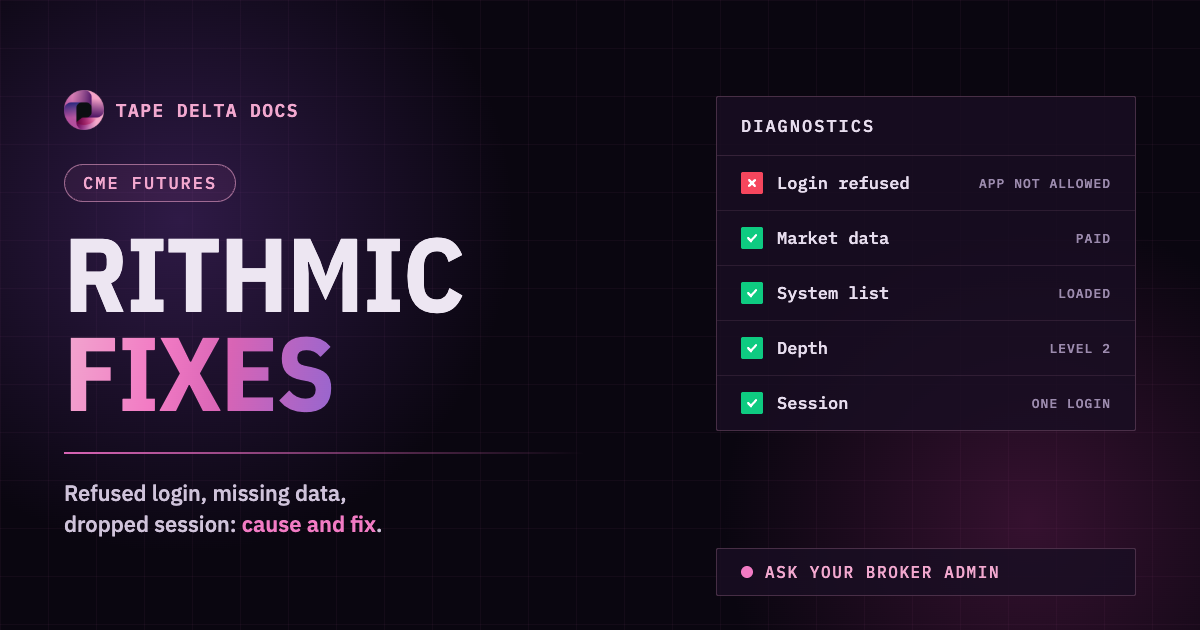
Before anything else, log in to RTrader Pro with the same user, password, system and gateway. If RTrader Pro refuses it, the fix is with your broker or prop firm. See Rithmic account requirements.
The login is refused
| Symptom | Cause | Fix |
|---|---|---|
| Refused, but the password is correct | Your broker or prop firm has not allowed Tape Delta on your account. | Ask their admin to permit the Tape Delta application for your user. |
| Refused on a free demo / trial | Demo trials are not served through this connection. | Add a paid market data subscription, then connect again. |
| Refused right after the account was opened | Market data agreements are still pending. | Log in to RTrader Pro once and accept the agreements. |
| Refused in RTrader Pro too | The account, password or system is wrong, or the account is disabled. | Contact your broker or prop firm. |
| System list is empty, Server unreachable | The chosen server did not answer. | Pick another server, or retry in a minute. |
| Refused after a password change | The saved password no longer works. | Connect again with the new password. |
Connected, but data is missing
| Symptom | Cause | Fix |
|---|---|---|
| A symbol shows no chart | The contract is not in your subscription, or the root is wrong. | Search by root (ES, NQ, CL, GC) and pick the contract from the results. Check your subscription with your broker. |
| DOM shows only the inside market | Your subscription has Level 1 only on that exchange. | Ask your broker for Level 2 on that exchange. |
| Chart froze after a long time in the background | The tab was hidden. | Come back to the tab; the data catches up on its own. If the gap stays, reconnect. |
The connection drops
| Symptom | Cause | Fix |
|---|---|---|
| Row flipped to Disconnected with "signed in elsewhere" | The same login was used in RTrader Pro or another app. Rithmic signs out the older session. | Press Connect in API Connect when you want the chart back. See One login at a time. |
| Row sits at Syncing | Reconnecting to Rithmic. | Wait. If it does not clear, disconnect and connect again. |
Still stuck
- Disconnect and connect again.
- Reload the terminal, then retry.
- Log in to RTrader Pro with the same credentials to confirm the account itself works.
- Still failing: contact support with the message on the Rithmic row, your system name, your broker or prop firm, and the time it happened.